

Description
Managing WordPress content at scale can be overwhelming: from writing SEO-optimized titles and meta descriptions to adding images, categories, and tags – manual workflows eat up valuable time and often lead to inefficiency and costly errors. Whether you’re a solo blogger, an agency juggling multiple clients, or a busy SaaS team, streamlining your publishing process is crucial for success. WordPress Posts Automation is a ready-to-use automation toolkit designed to eliminate manual drudgery, boost your efficiency, and let you focus on growing your business instead of bogging down in repetitive tasks.
What Does This Product Include?
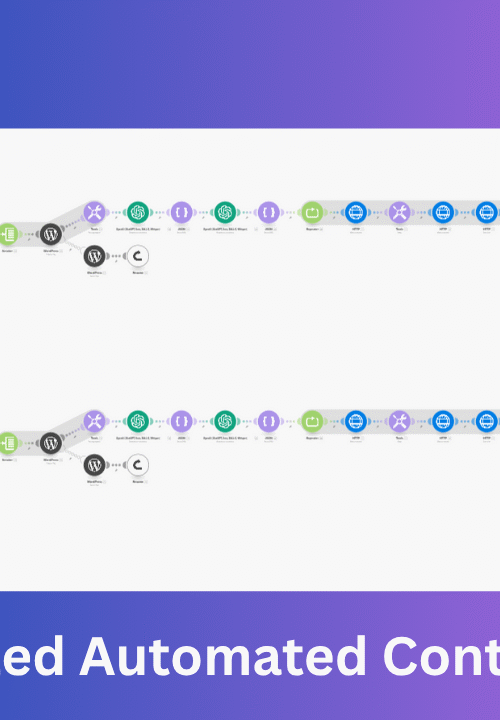
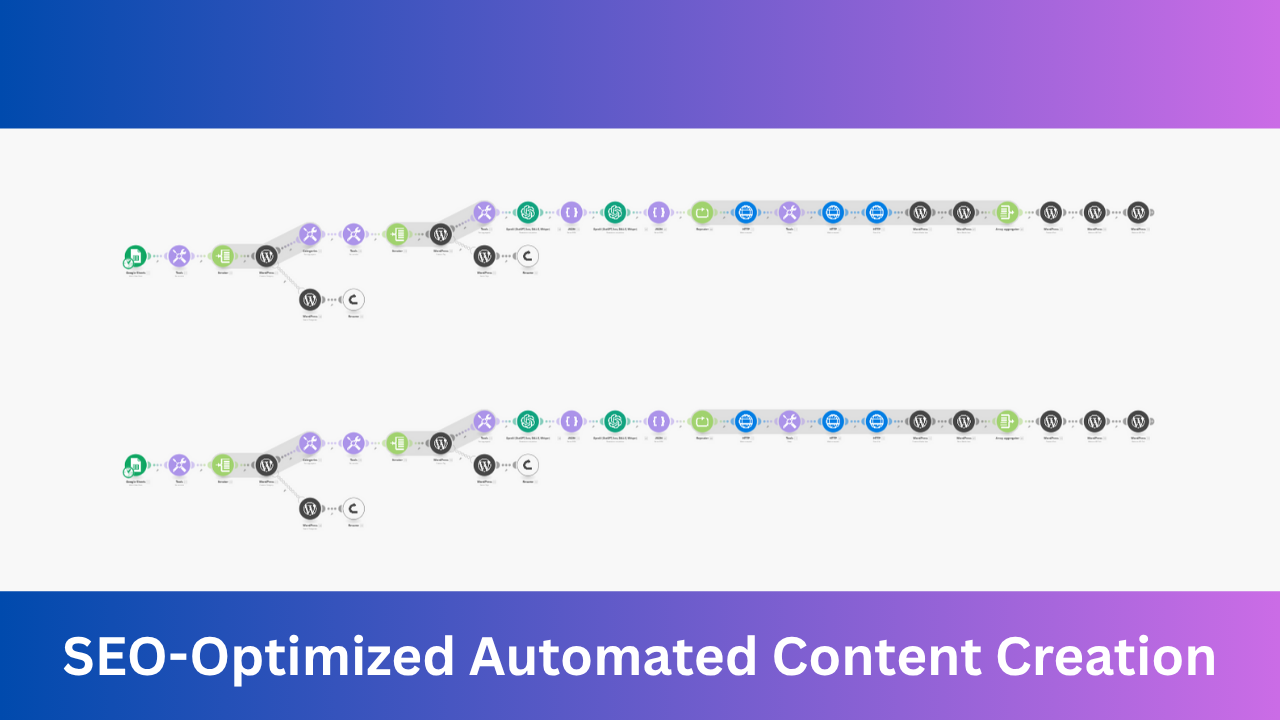
Automate WordPress Posts with Make.com is a turnkey automation workflow that connects your content sources with your WordPress site on autopilot. By leveraging the power of Make.com a leading no-code integration platform – you can instantly transform documents, form submissions, or other data into beautifully formatted, fully optimized WordPress posts. The system supports features like SEO titles, meta descriptions, multiple categories, tags, excerpt fields, and automated image handling – all orchestrated through robust, reliable automation.
This toolkit is compatible primarily with Make.com, and can be adapted for other workflow tools such as n8n with some customization, making it a complete automation pack ready to deploy in any modern content workflow.
Key Benefits, ROI & Cost Savings
- Significant Time Savings: Automate the creation and publishing of content that previously took hours each week.
- Immediate ROI: Achieve productivity gains that pay for the toolkit many times over – even with small content teams or agency operations.
- Cost Comparison: Stop spending money on manual VA labor or clunky plugins – instead run scalable, set-and-forget automation for just $1.
- Error-Free Output: Reduce human errors and inconsistencies in tagging, categorization, and SEO implementation.
For example, if you publish 30 posts/month, the manual process could cost over $100+ in labor. With Automate WordPress Posts with Make.com, all that grunt work boils down to minutes and pennies.
Business Problems Solved & What You Can Automate
Does this sound familiar?
- Repeating the same publishing steps for every new blog post or update
- Forgetting meta descriptions, missing images, or inconsistent categories/tags
- Difficulty scaling content production as your site, clients, or offerings grow
- Limited bandwidth to keep up with content deadlines
With this toolkit, you can automate:
- Creation of new posts/pages from structured inputs (forms, spreadsheets, emails, docs, or AI tools)
- Adding featured images, galleries, or inline images automatically
- Categorizing and tagging posts based on your criteria
- Generating and applying SEO titles, meta descriptions, and custom fields
- Scheduling or directly publishing content – even while you sleep
Categories of Automations Included
- Content Publishing: WordPress post/page creation with full SEO fields
- Image Management: Automated upload and assignment of images
- SEO Automation: Dynamic meta field population for better rankings
- Tagging & Categorization: Consistent and rules-based assignment
- AI Content Enrichment: Integration with AI tools for summaries, tags, or image captions
- Lead & Form Handling: Auto-create posts from new leads or form submissions
- Bulk Importing: Transform CSV or Google Sheets data into WordPress content
Highlighted Features
WordPress Posts Automation with Make.com stands out for its simplicity, extensibility, and power:
- Plug-and-Play: Import the workflow, connect your WordPress site and content source, and go live in minutes.
- AI-Powered Step Integration: Optionally connect your favorite AI tools (like ChatGPT) to generate summaries, tags, or meta descriptions automatically.
- Full Documentation: Step-by-step setup guides and tips for troubleshooting are included.
- Modular Design: Easily extend or customize the automations for your unique needs.
- Lifelong Updates: Get access to future improvements and expansion packs at no extra cost.
- Commercial Use: Use with multiple sites, clients, or projects.
Example Automations
- Google Sheets → WordPress Posts
Automatically turn each row from a content planning spreadsheet into a fully formatted WordPress post, complete with images, categories, and SEO meta tags. - Email to Blog Post
Forward content or announcements by email; turn each message into a draft or published WordPress post, with the body split into paragraphs and images attached. - AI-Assisted Content Automation
Fetch ideas or drafts from an AI tool and turn them into SEO-ready, properly tagged WordPress posts – no copy-paste needed. - Leads or Form Submissions to Private Posts
Instantly add submitted data from site forms or CRM leads as draft posts or pages for internal processing or publishing. - Content Calendar Scheduling
Schedule posts in advance from bulk-uploaded data or calendar inputs, so future content goes live automatically.
Who Should Use This Pack?
- Content Agencies: Reduce manual labor, standardize quality, and serve more clients efficiently.
- Freelance Bloggers and Writers: Save time so you can focus on writing, not admin.
- Marketing Teams: Eliminate bottlenecks and streamline publishing for campaigns and promos.
- SaaS Teams and Info Businesses: Scale editorial output without scaling headcount or costs.
- Nonprofits and Educators: Overcome bandwidth constraints and make every dollar count.
If your team manages or grows WordPress sites, this pack is purpose-built for you.
Why this Is the Best Choice
You could:
- Keep doing everything by hand (slow, repetitive, costly)
- Build your own integrations (requires coding skills and ongoing updates)
- Hire a virtual assistant (expensive, introduces human error, and still manual)
- Rely on plugins piecemeal (risk of bloat, incompatibility)
WordPress Posts Automation with Make.com is the smarter alternative: no coding, no guesswork, and a fraction of the cost – with the reliability and flexibility modern businesses need.
Setup & Onboarding
Getting started is effortless and accessible for non-technical users:
- Import – Download and import the ready-made scenario into your Make.com account.
- Connect – Securely connect your WordPress site and desired content sources (Sheets, Email, CRM, etc.).
- Customize – Optionally map custom fields, tweak categories, or integrate AI steps if needed.
- Run – Activate your scenario. Watch your first posts go live instantly, complete with metadata and images.
Comes with comprehensive instructions, screenshots, and support so you’re never stuck.
Manual vs Automated Comparison
| Task | Manual Workflow | Automated with Make.com |
|---|---|---|
| Write & format post | 10-20 min each | 0 min (data inserted automatically) |
| Add images & SEO fields | 5-10 min each | 0 min (preconfigured in workflow) |
| Publish/schedule | 2-5 min each | 0 min |
| Troubleshooting errors | Variable (manual rework) | Automated error handling |
| Scaling up | Manual workload increases linearly | Handles 1 or 1,000 posts without extra effort |
Case Study
A Marketing Agency’s Success Story
Sarah’s agency managed content calendars for five client sites, spending 10+ hours/week on manual WordPress uploads, formatting, and SEO tweaks. After switching to WordPress Posts Automation with Make.com, her workflow became 90% hands-off. Content writers now update a shared Google Sheet; Make.com takes care of the rest-generating polished posts with perfect images and SEO applied. Sarah’s team now focuses on deliverables and new business, having cut publishing time from hours to mere minutes.
Security & Reliability
- Trusted Platforms: Leverage Make.com’s secure, GDPR-compliant, enterprise-grade infrastructure.
- Data Protection: All credentials are encrypted; no sensitive data stored outside your source and destination platforms.
- Reliability: Every automation is stress-tested and logs any issues for quick troubleshooting.
For reference, see Make.com security documentation.
Bonus Value
- Lifetime Access: Download once and use forever—no hidden or recurring fees.
- Free Updates: Stay in sync with WordPress changes, Make.com improvements, and new features as they roll out.
- Commercial Rights: Use across all your business or client projects—one low price unlocks it all.
Updates & Roadmap
- Committed to ongoing upgrades as WordPress and Make.com add features
- User-requested enhancements prioritized
- Access to future specialized automation packs and integrations
Guarantee
Satisfaction guaranteed! If the toolkit doesn’t save you time or run as described, just request a full refund within 7 days—no questions asked.
FAQs
- Q: Do I need to know coding to use this?A: Not at all! Everything works via drag-and-drop setup in Make.com.
- Q: Can I use this for multiple sites or clients?A: Yes, your $1 covers unlimited projects and clients – no extra charges.
- Q: Can I connect sources other than Google Sheets?A: Absolutely – any Make.com compatible source (email, Airtable, CRM, etc.) will work.
- Q: Does this handle images and SEO metadata automatically?A: Yes, images, categories, tags, titles, and meta descriptions are all automated.
- Q: Is this only for WordPress, or can I use with other CMSs?A: This workflow is optimized for WordPress, but can be adapted for other CMSs using Make.com’s flexible modules.
- Q: What if I need setup help?A: Personal support is included! Reach Bishal Paul via LinkedIn or email after purchase.
Conclusion
Ready to publish smarter and faster? WordPress Posts Automation with Make.com frees you from repetitive admin, slashes costs, and unlocks powerful new content workflows – no coding or technical headaches. Scale your content, serve more clients, and reclaim your valuable time with automation that pays for itself from day one.
Discover more automation bundles on our Home page.